
 Handyman Village
Reliable local help, booked nearby.
Reliable help for every home booked nearby, done right.
Available on iPhone & Android
One marketplace · two sides
Built for homeowners and the pros who help them.
Whether you need the job done or you are the one who shows up Handyman Village keeps booking, pay, and payouts clear.
Customers
For homeowners
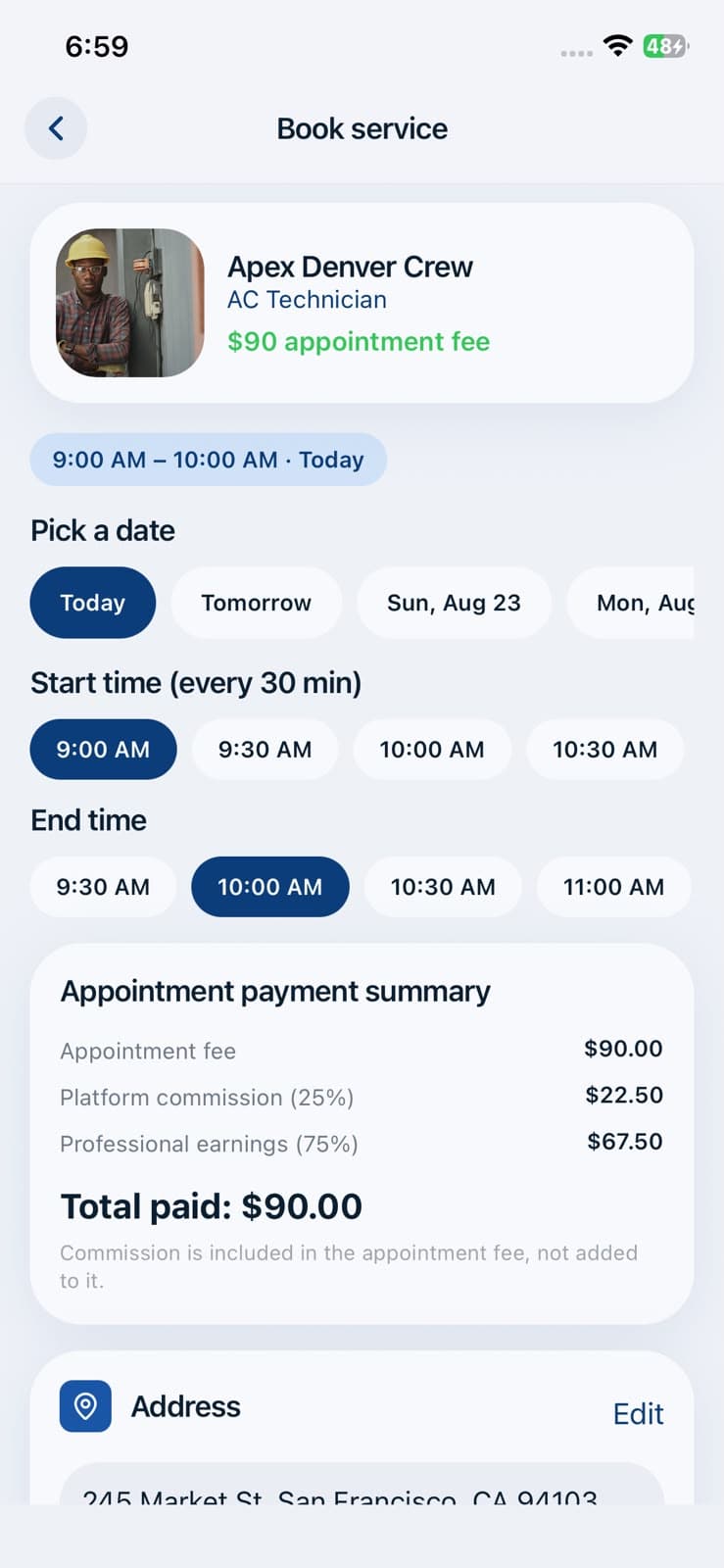
Search services, compare nearby pros, book a slot, and pay the appointment fee before anyone shows up.
- Guest browse signup when you are ready
- Map + address matching for local pros
- Transparent call fee before you book
- In-app chat after payment clears
Pros
For professionals
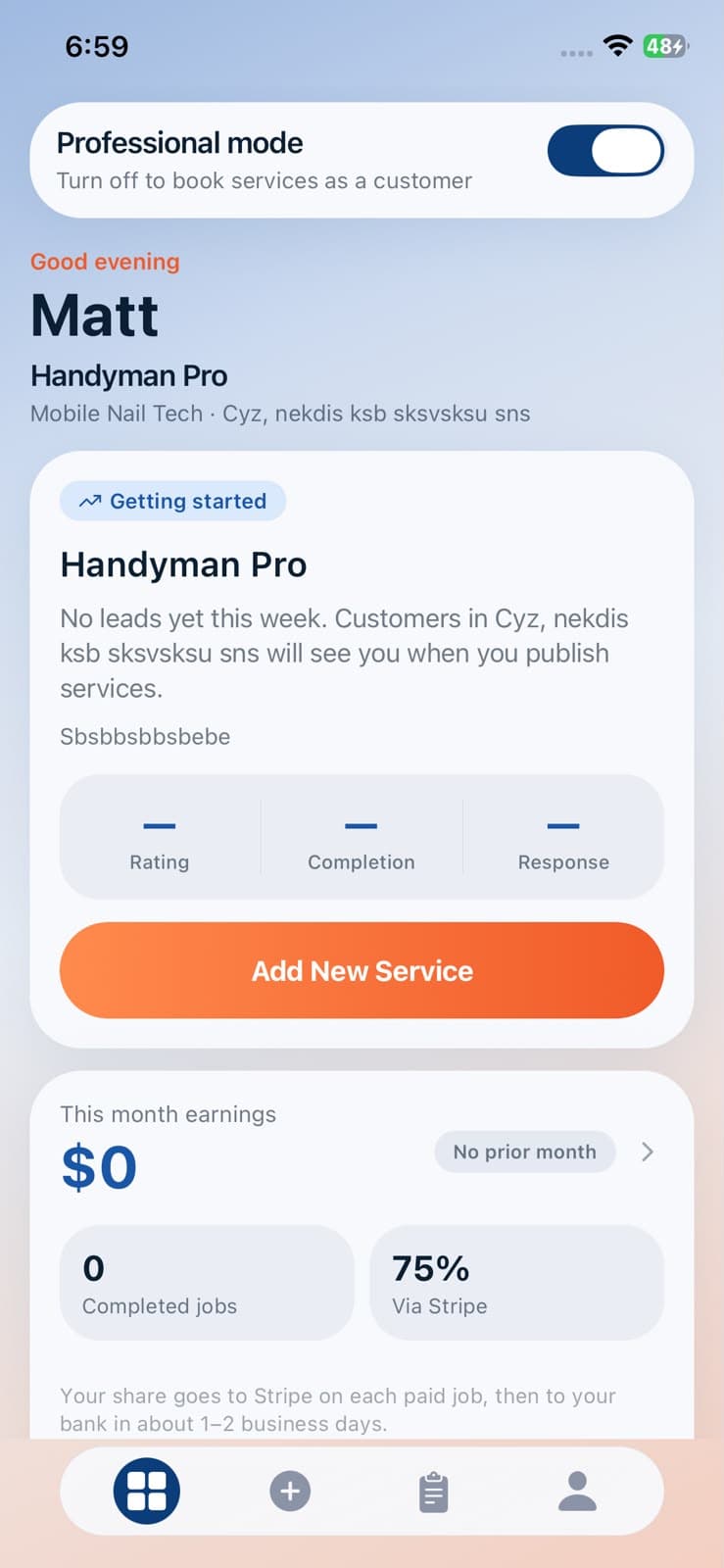
Build your profile, set your radius and fees, connect Stripe, and take jobs that fit your schedule.
- Multi-category services & custom rates
- You control the service-call fee
- 75% payouts via Stripe Connect
- Orders and earnings in one dashboard
App process flow
From open to done one clear path.
Here is how a homeowner books help on Handyman Village, step by step on iPhone.
- 01
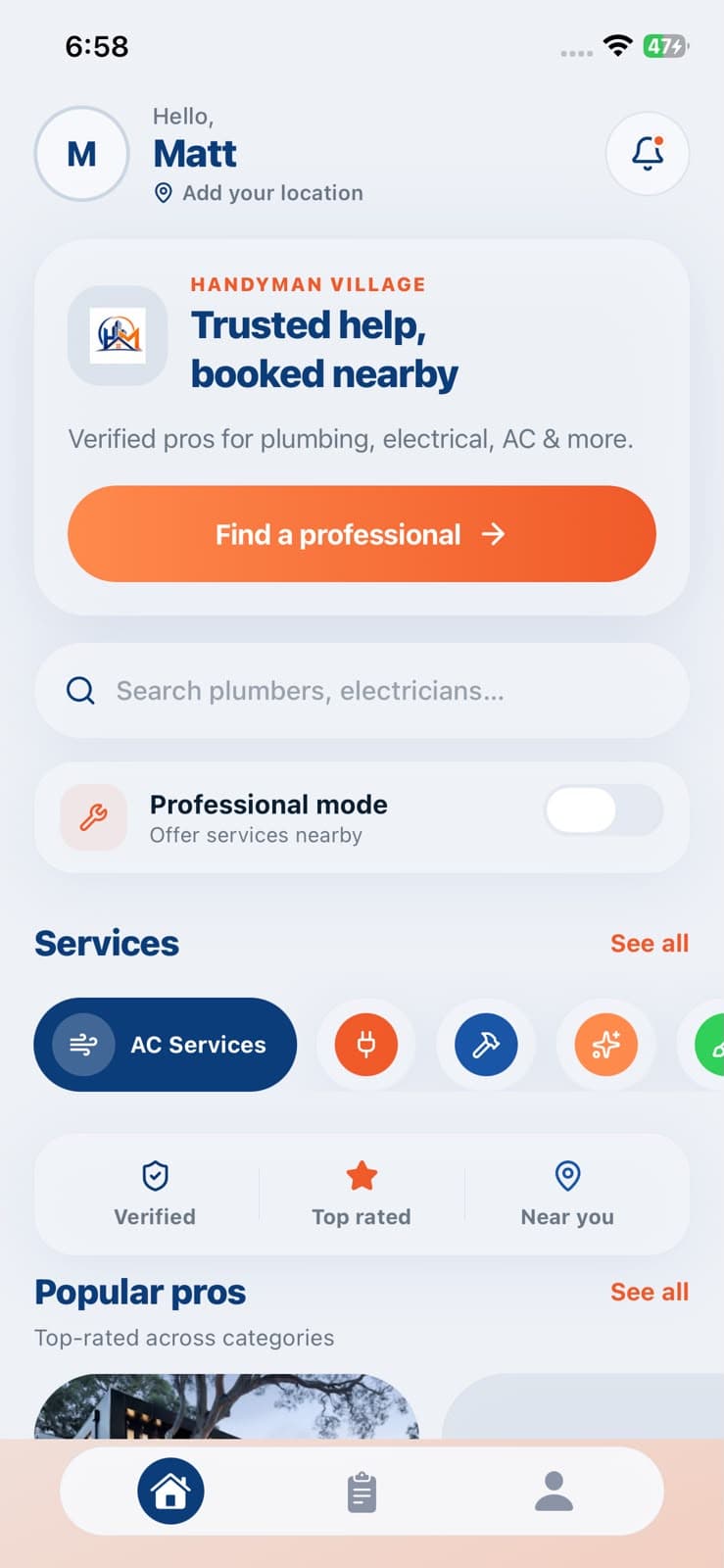
Step 1 — Browse services Step 1
Browse services
Open the app, set your address, and search the job you need.
- 02
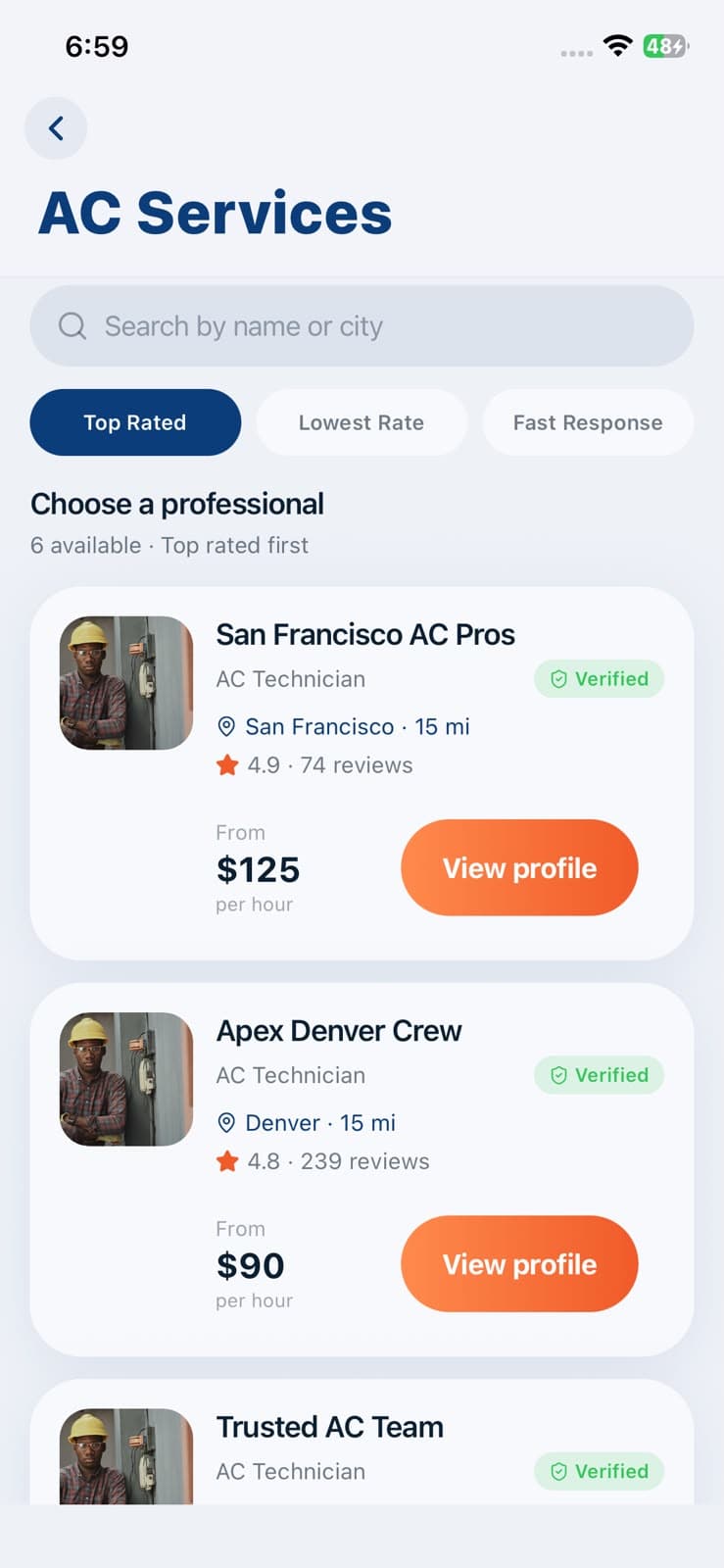
Step 2 — Find nearby pros Step 2
Find nearby pros
See verified locals with ratings, distance, and rates.
- 03
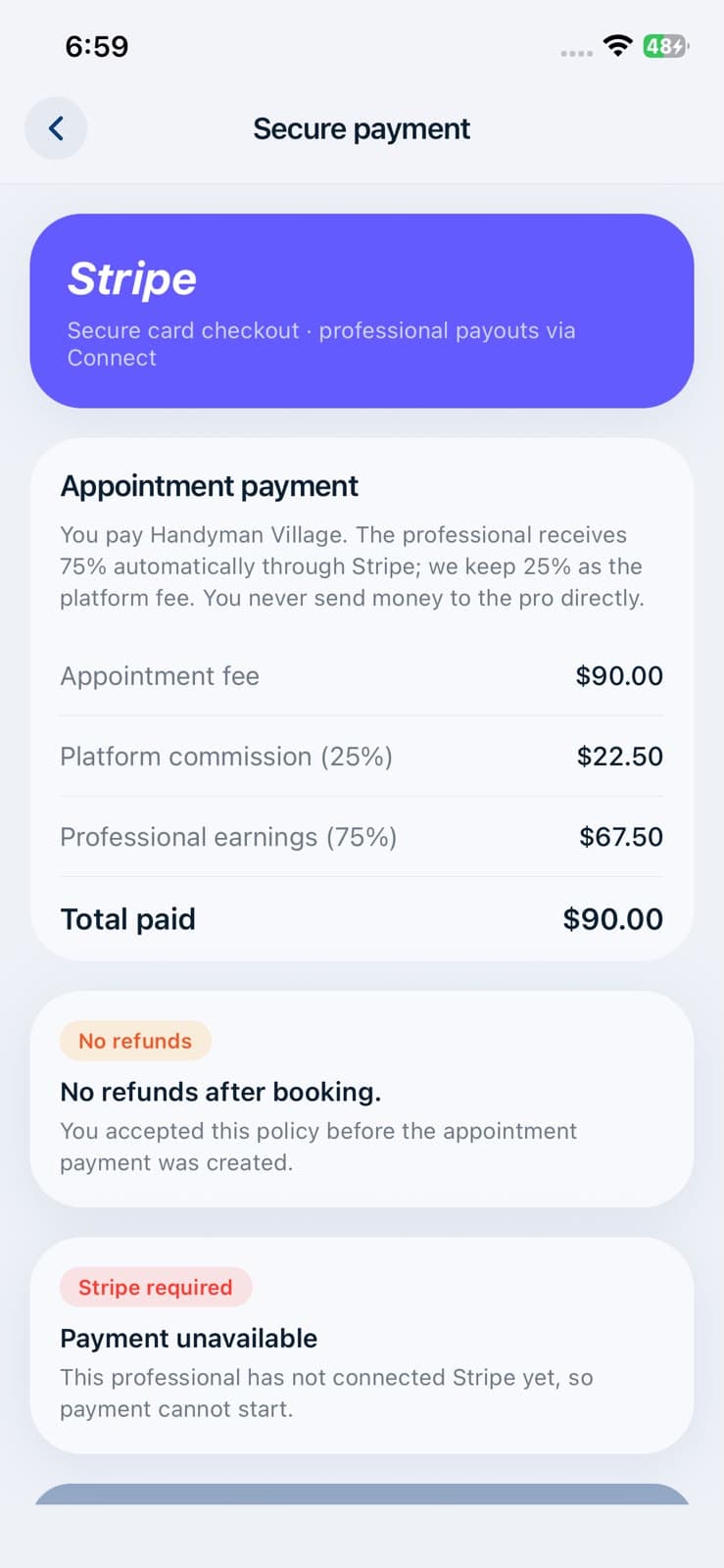
Step 3 — Book & pay Step 3
Book & pay
Pick a slot and pay the appointment fee with Stripe.
- 04
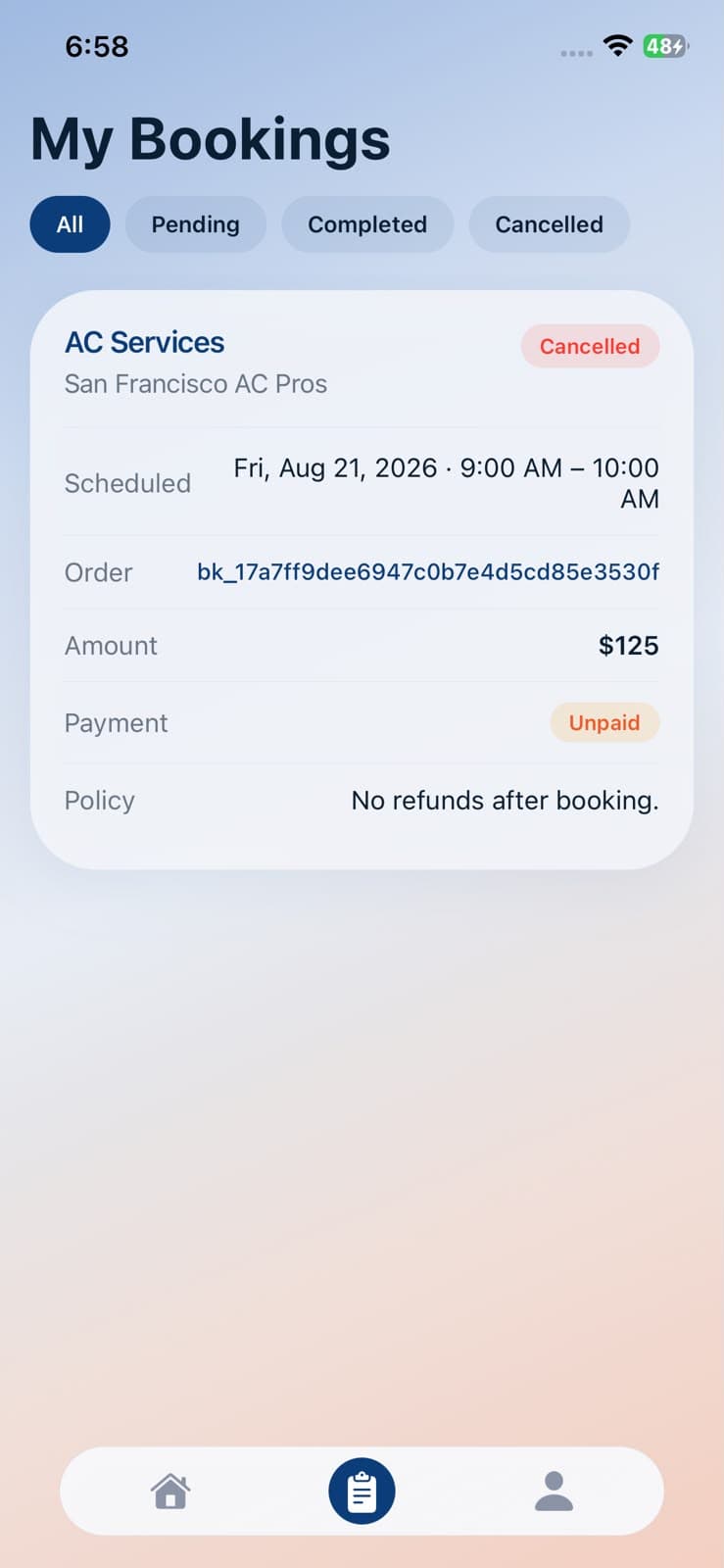
Step 4 — Track & get it done Step 4
Track & get it done
Follow your booking and message your pro after payment.
How it works
From search to done in three steps.
Guest browse is welcome. Sign in with email + OTP when you are ready to book.
- 1
Find a nearby pro
Browse categories around your address clear options, verified locals, no guesswork.
- 2
Book and pay the call fee
Pick a slot and pay the appointment fee up front with secure Stripe checkout.
- 3
Chat and get it done
After payment, message your pro. Settle labor later if the job needs more work.
Pricing that is easy to explain
Pay the call fee. Pros keep 75%.
Customers pay Handyman Village through Stripe. The platform keeps 25%. Pros receive 75% automatically via Stripe Connect.
Customer pays
Stripe Checkout
Appointment fee up front · labor later if needed
Platform
25%
Matching, payments, and support
Pro receives
75%
Automatic payouts · you set the call fee
Home & local services
Whatever your home needs.
From plumbing and electrical to cleaning, vehicles, and mobile beauty matched to pros near you.
Why Handyman Village
Everything you need to book or get booked.
Verified local pros
Profiles, trades, and ratings so you know who is coming to your door.
Transparent pricing
See the appointment fee before you commit. Labor is agreed when needed.
Map-based matching
Your address and zip drive nearby results not endless national lists.
Secure Stripe payments
Card checkout for customers. Automatic Connect payouts for pros.
Chat after booking
Message your pro once the appointment fee is paid keep details in one place.
iOS & Android
Built with Expo for iPhone book or earn from wherever you are.
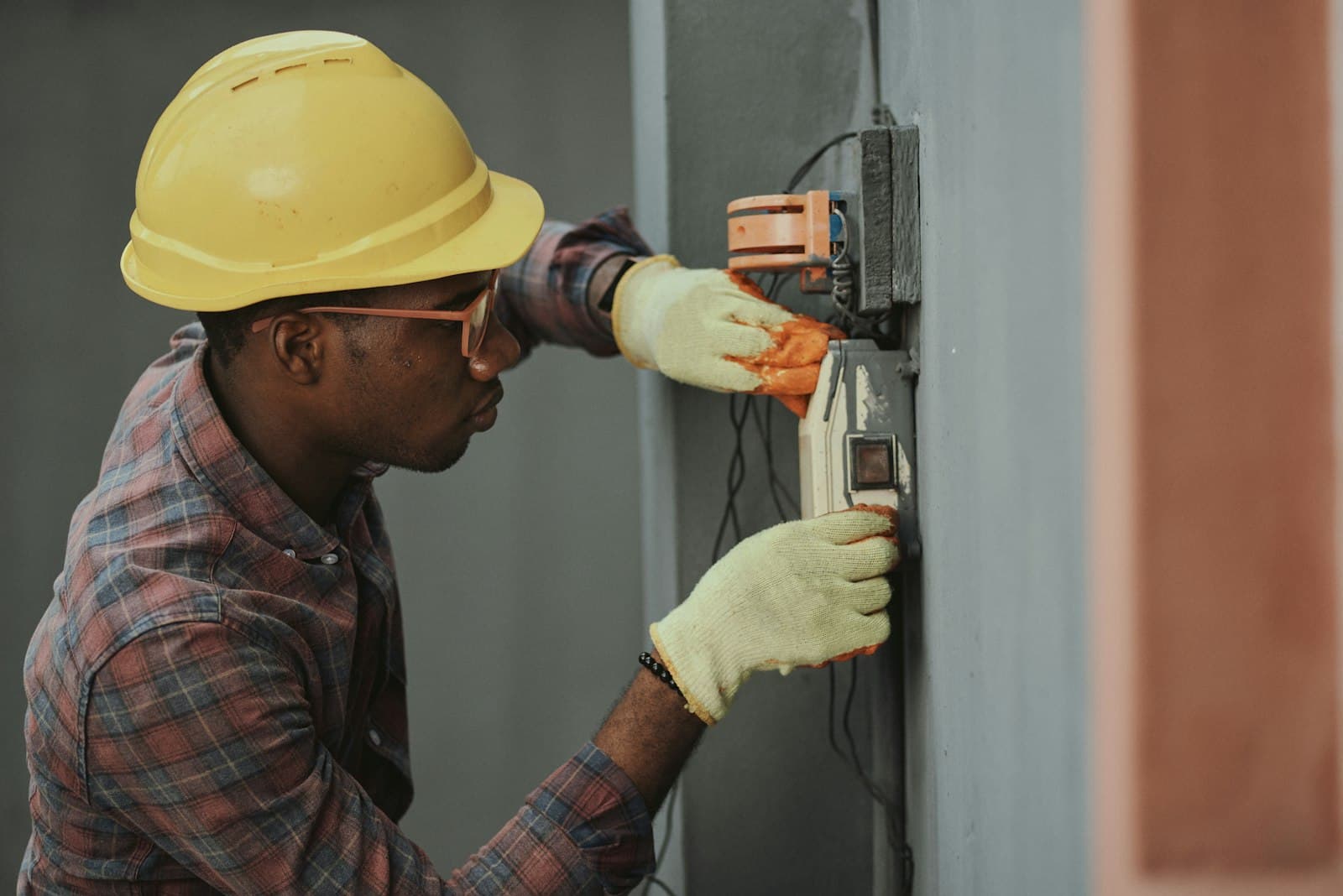
For professionals
Get paid for the work you do 75% to you.
Set your serving area and appointment fee. Jobs come to you. Payouts run automatically through Stripe Connect track it all on your iPhone.
- ✓You set the service-call fee
- ✓Automatic 75% payouts
- ✓Switch between pro and customer mode

Built on trust
Get it done right.
Local professionals for electrical, plumbing, AC, handyman work, and more with transparent fees, easy booking, and reliable service.
Download Handyman Village.
Book trusted local pros or join as a professional. Built for iPhone and Android.